*woman on scooter approaches Bond with a broken down car*
Q: Are you in trouble?
A: Oh, all the time.
…
Ok.. so I definitely will try to use this line once in my life.. even if it is the end of my life but this is so bad, I have to use it :D
But is definitely approaching Connery/Moore level of cornyness.
In my opinion he definitely shoots too much, this felt more like Rambo rather a secret agent movie but well.. Craig was famous for not following protocol (both as a Bond actor and in his role as 007, (“Shaken or stirred, Sir?” – “Do I look like I care?”)
My movie partner thought that he talks too much, that is another thing. Craig used to be cold, stone cold. A heartless killer. So it kinda fits the narrative that he falls in love but they definitely overdid it with the dialoge.
Or did they? Maybe that is how he wanted to be leave.. after Spectre, I thought it will be over. And no one would have minded. I kinda can’t shake off the feeling this was not neccessary. The drama, the family vibes.. was that neccessary?
And Rami Malek is a little disappoint. I expected a psychopath. A freaking killer that will make Blofeld shit his pants.. Mr. Robot on steroids – with nukes and bioweapons.
Hank Scorpio if you want. Well. in a way he was the better killer.. but i expected more grandeur from a Bond supervillain.
Guess they have to cast Elon Musk for that. Big bonus:
– he already acts like a mad supervillain
– he won’t need acting lessons to just feel weird
– he will probably not even ask for money
Elon. Your call. We all know there is a human in that Roadster approaching Mars ;)
The female 007 agent kicks ass, though. I hope they cast her and reverse all the sexism. That would be something. A sexist, female, black 007
Ah.. I see the male/white hordes scream in panic. Please do it :D
Category Archives: personal
winter nights and hipster parents
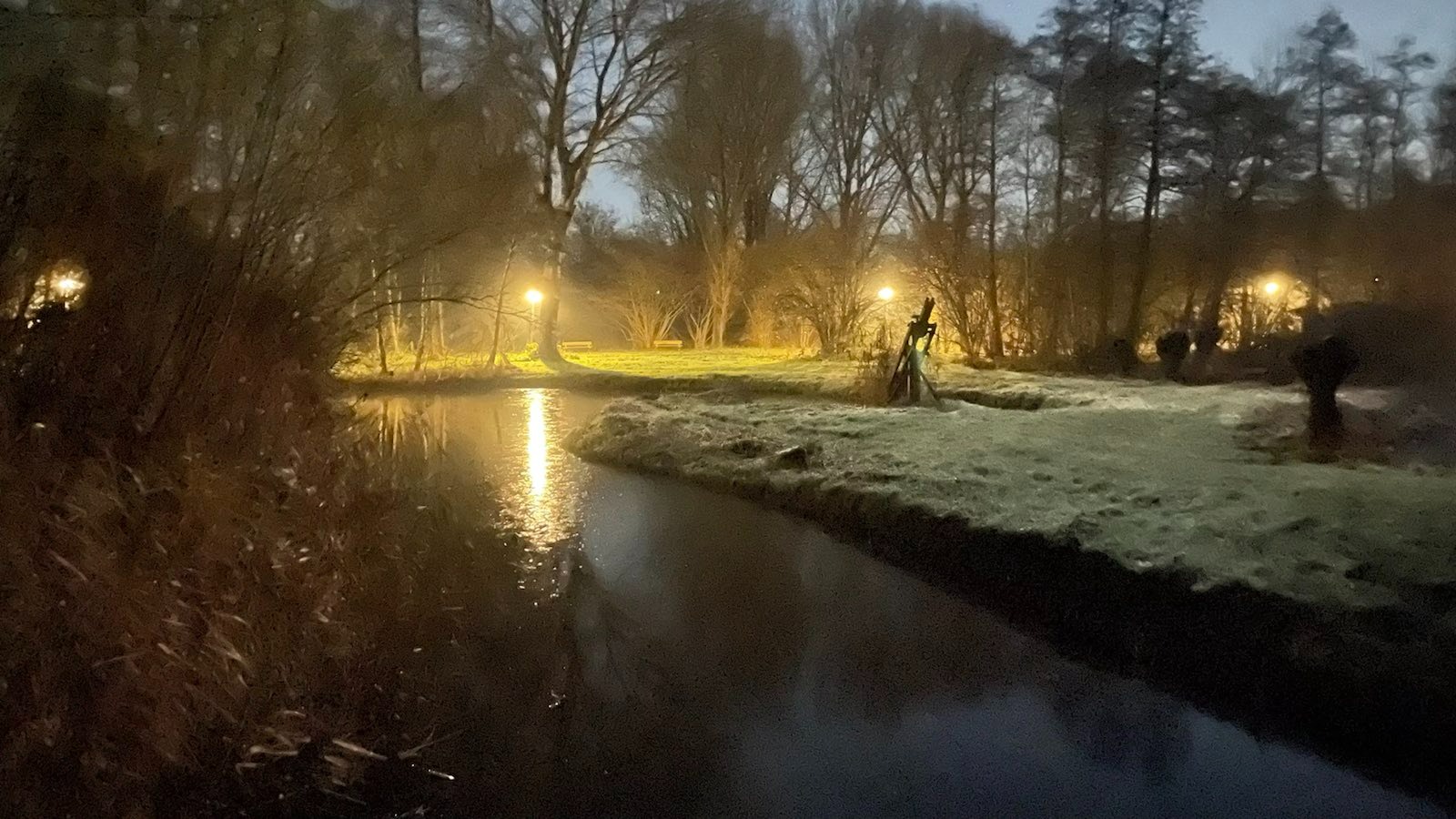
Three days ago it was full moon, last night was winter solstice and the night was crystal clear and cold at -3 degrees. A night walk in the bright moonlight was planned and boy was it worth it. Magical and cold. Just as winter is supposed to be. (not to Apple.. I don’t always need to brighten the pictures, sometimes I want it to be dark and mysterious. anyway. amazing pictures resulted)
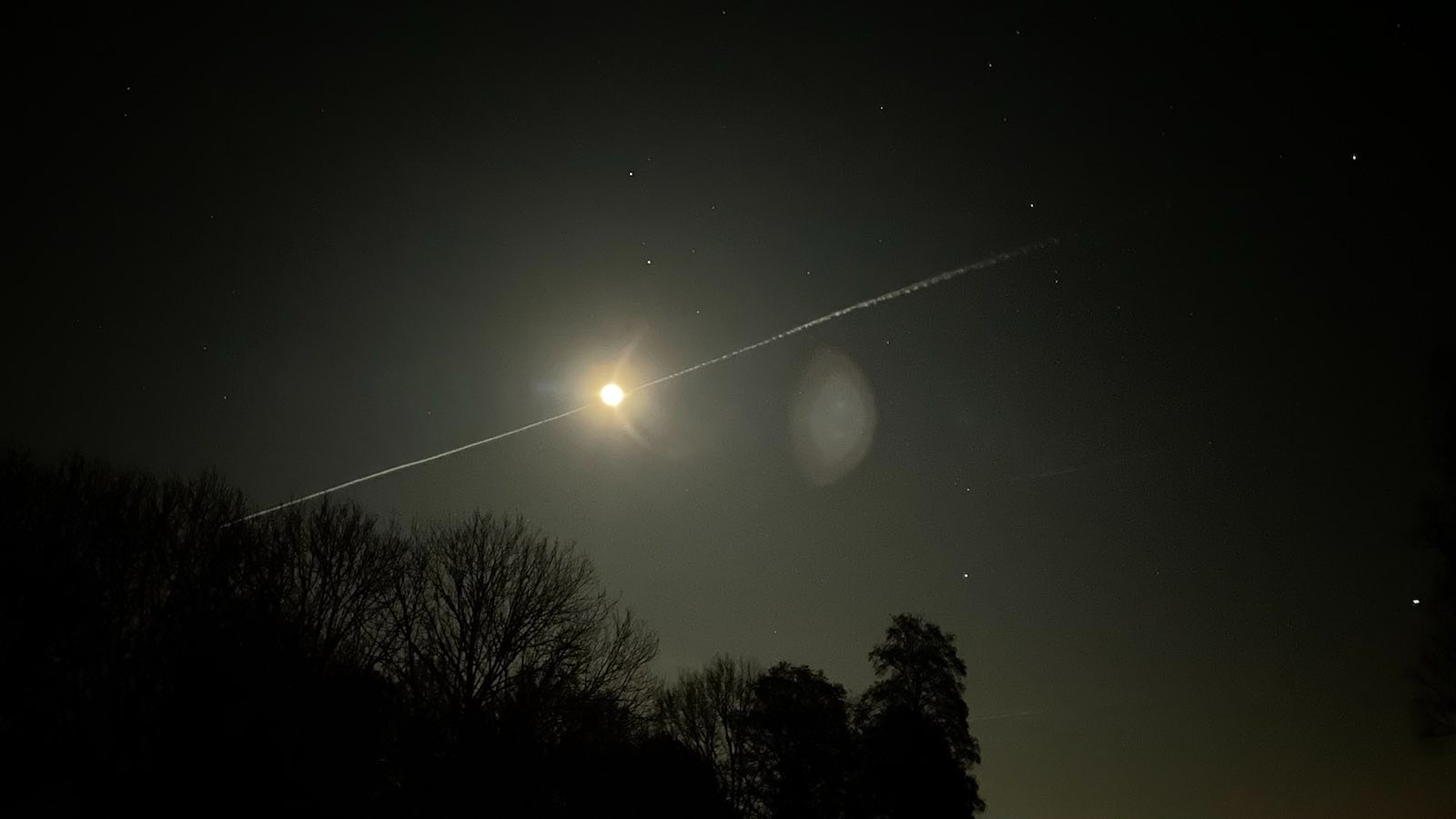
Remarkable to see Orion in all its glory as in the Netherlands/in Amsterdam you don’t see any stars, usually. (too much light pollution here) so I was enchanted to see quite a few. Nothing compared to what you see in the Balcans/the mountains when you are in the “great wide open” but still magic.
So I decided to take a thermos flask with hot cocoa to drink while walking – but not just Nesquik instant cocoa.. I wanted it to be special so I bought real cocoa, milk, heavy cream and sugar… making “real” hot chocolate with a “creamy” touch.
Daugher – who is not afraid to speak her mind, yet – summarized it: “it tastes like burnt and shredded cocoa beans with sugar and fat” – so… I forgot.
You don’t make your kids drink expensive wine from some obscure wineyard in France or Chile.. you give them berry juice. Chocolate with 97% cocoa is for parents who can savor the finer differences in chocolate/cocoa quality.
But ffs please don’t be a hipster parent and feed your kids stuff that they just won’t enjoy. Save the money for later. I fucked that one up. Lesson learned.
I am sorry.
etsy
finally found the etsy store for me.

problem is, at my age, I am often expected to be the “responsible adult” of the group. which makes having fun awkward/difficult sometimes.
buf if you ignore the voices of reason hard enough you can still enjoy life and misbehave
Being in love
Quote from Leon the Professional comes to mind.. how can you know you are in love if you never felt it?
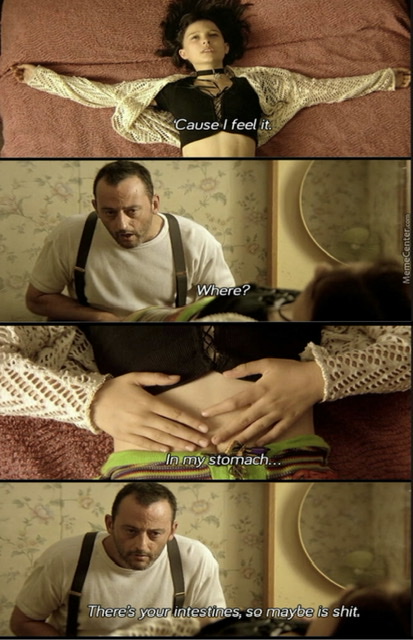
regardless… it feels great 🥰
Social media
The internet is full of shit – again
people reposting crap from other sites, often not even cropping their screenshots
plus the usual background noise of racism, hatred and warmongering // us-vs-them and antivaxx crap
Good I quit this shitshow 5 years ago – i do miss funny/dank memes sometimes but 5 minutes on imgur/pr0gramm usually fix this for another week
Also: Mr. Robot was so incredibly good when it launched, if you have not seen it, yet – watch at least season 1 now before the tech in it becomes obsolete
HEIF (and stop using JPEG)
I was sent an image today and did not recognize the .HEIC extension… seems this for images what HEVC is for video.
Apple uses it by default (Settings > Camera) and after looking at this image on wikipedia I will never go back to jpeg. (look at it from large screen)

Source: https://en.wikipedia.org/wiki/High_Efficiency_Image_File_Format
antivaxx chad
My favorite take on the covid crisis: People who don’t trust the pfizer vaccine but take viagra every weekend so they can get it up while on happy pills or other substances
This lamp
Whoever designed this… you are my friend!
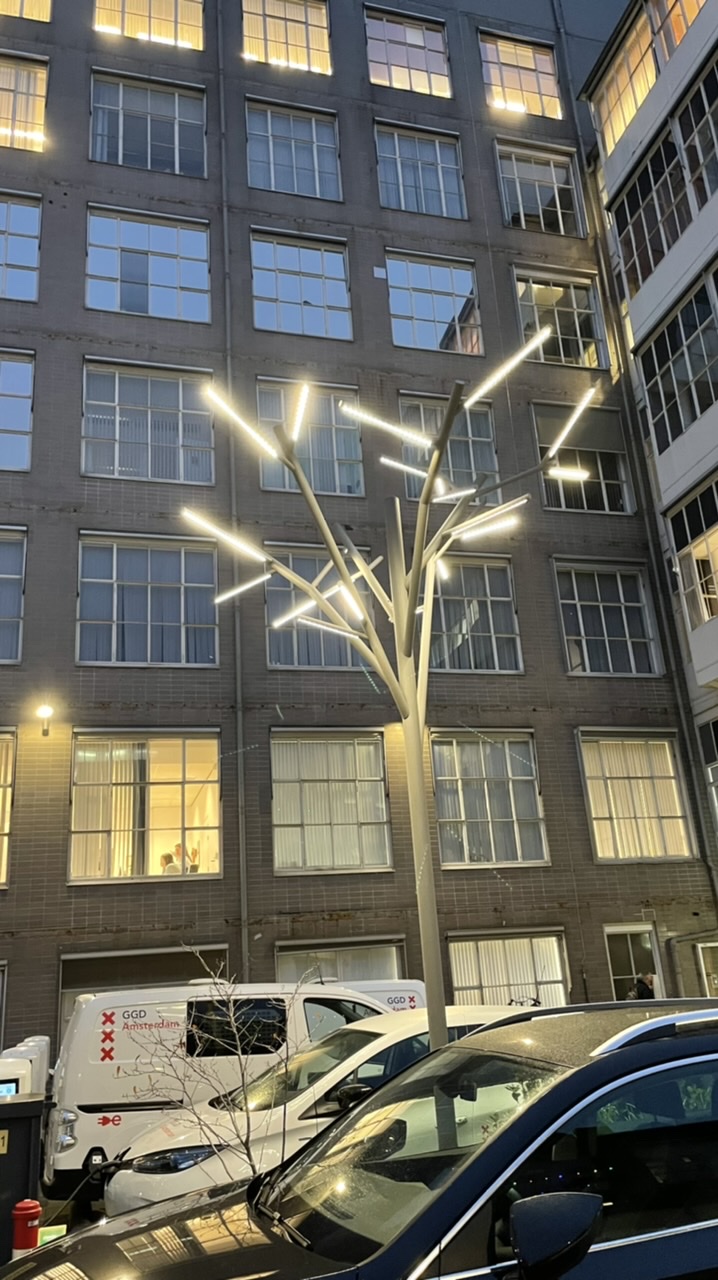
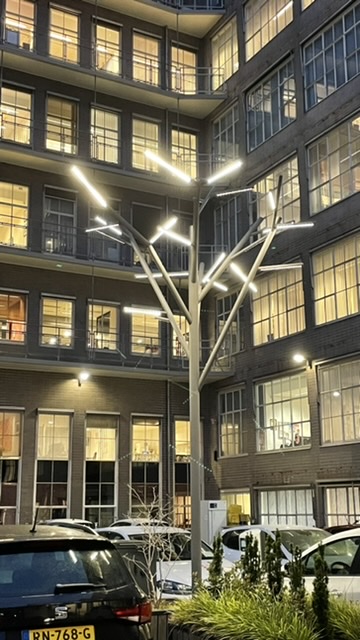
Found at GGD Amsterdam
Monday morning – pandemic
November 2021 – the pandemic in its second year – they say society will restart but despite an 80% vaccination rate (one of the highest in the world) we are still wearing masks in public transport and public buildings.
I am depressed, irritated and angry at all this and I wonder how much longer I can bear it before I break. It feels so pointless 😕
Activists are complaining about their freedoms being stripped away (and they have a point!) while the far right uses the insecurities of the people to radicalize them even more. And zwarte piet hasn’t even started.
I am scared of what will happen if this continues. I hope the right people keep calm.
Black Mesa
Black Mesa – After so many years since Half Life was a thing.
It still manages to surprise me / send a shiver down my spine / make me.. happy! So beautiful and now in glorious 4k ultrawide <3